ASQ · Fresh & Pure
Grow your business
Repeat delivery days, add communities, answer buyer requests, ask for reviews, and use the web for the books.
Step by step
- Repeat your delivery day. Next week's opens on its own and regulars reorder in one tap.
- Add a second community to the same day. Same van, more doors.
- Every community has a sellers page where neighbours find you and vouch for you.
- Answer buyer requests: demand you did not have to find.
- Ask for reviews after every delivery.
- On the web: invoices in your name, reports, bulk upload and your customers in one place.
More guides
- Add your brandPut your brand on Fresh & Pure in a few minutes: logo, what you sell, where you deliver from.
- Add a productOne product takes about a minute: name, size, price, how far you deliver it, and a good photo.
- Open a delivery dayA delivery is one day your buyers order against. Pick the day and the communities, and repeat it every week.
- Tell your buyersShare a delivery to your society groups as a card with one link to order. Orders land counted.
- Run a delivery dayBuy to the totals, close orders at the cutoff, pack one card per flat, and get paid at the door.
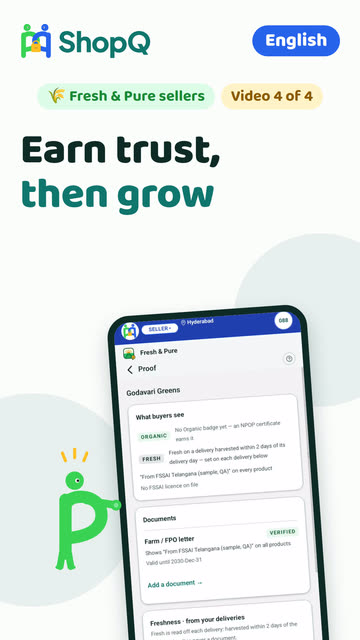
- Get verified: Trust & proofBuyers see three rungs: Fresh, Organic and Verified Pure. Each needs a document, and ShopQ checks it with the issuer.
Still stuck? Three ways out
- Do it yourselfEvery guide here has the steps, and a video where one is recorded.
- Ask a ShopQ partnerA partner near you can set it up with you, from their own phone.
- Reach ShopQFor your identity check, payments, or anything unsafe, write to us directly.WhatsAppsupport@shopq.aiContact us