ASQ · Shops
Your shop on a computer
Sign in at shopq.ai with the same number: upload your list from Excel, change many prices at once, invoices and reports.
Step by step
- Open shopq.ai on a computer and sign in with the same number.
- See your day at a glance: orders, sales, what is running low.
- Upload your whole list from Excel: check it, import it.
- Change prices across many items at once.
- See who buys from you and how often; invoices and reports are there too.
More guides
- Open your shopName, photos, location, delivery and hours. About a minute, and you are live to the communities around you.
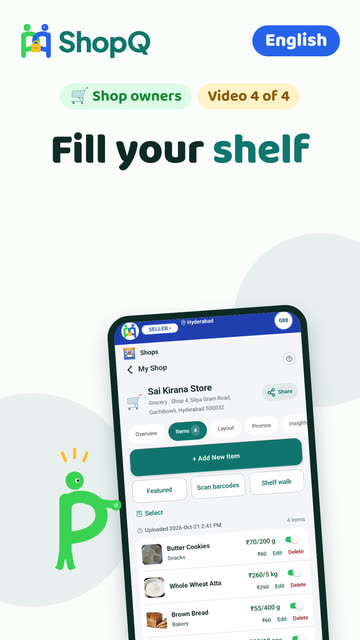
- Fill your shelfScan barcodes, snap a product, walk a shelf with the camera, or add items by hand. One switch marks something out of stock.
- Answer a question, fulfil the orderA resident asks before walking over. Reply with a yes and a price, accept the order, mark it ready, get paid at your counter.
- Show your licencesAdd your Udyam number or GSTIN and verify your identity once. Buyers see exactly what was checked. None of it is required to sell.
Still stuck? Three ways out
- Do it yourselfEvery guide here has the steps, and a video where one is recorded.
- Ask a ShopQ partnerA partner near you can set it up with you, from their own phone.
- Reach ShopQFor your identity check, payments, or anything unsafe, write to us directly.WhatsAppsupport@shopq.aiContact us