ASQ · Homemade
Selling home food
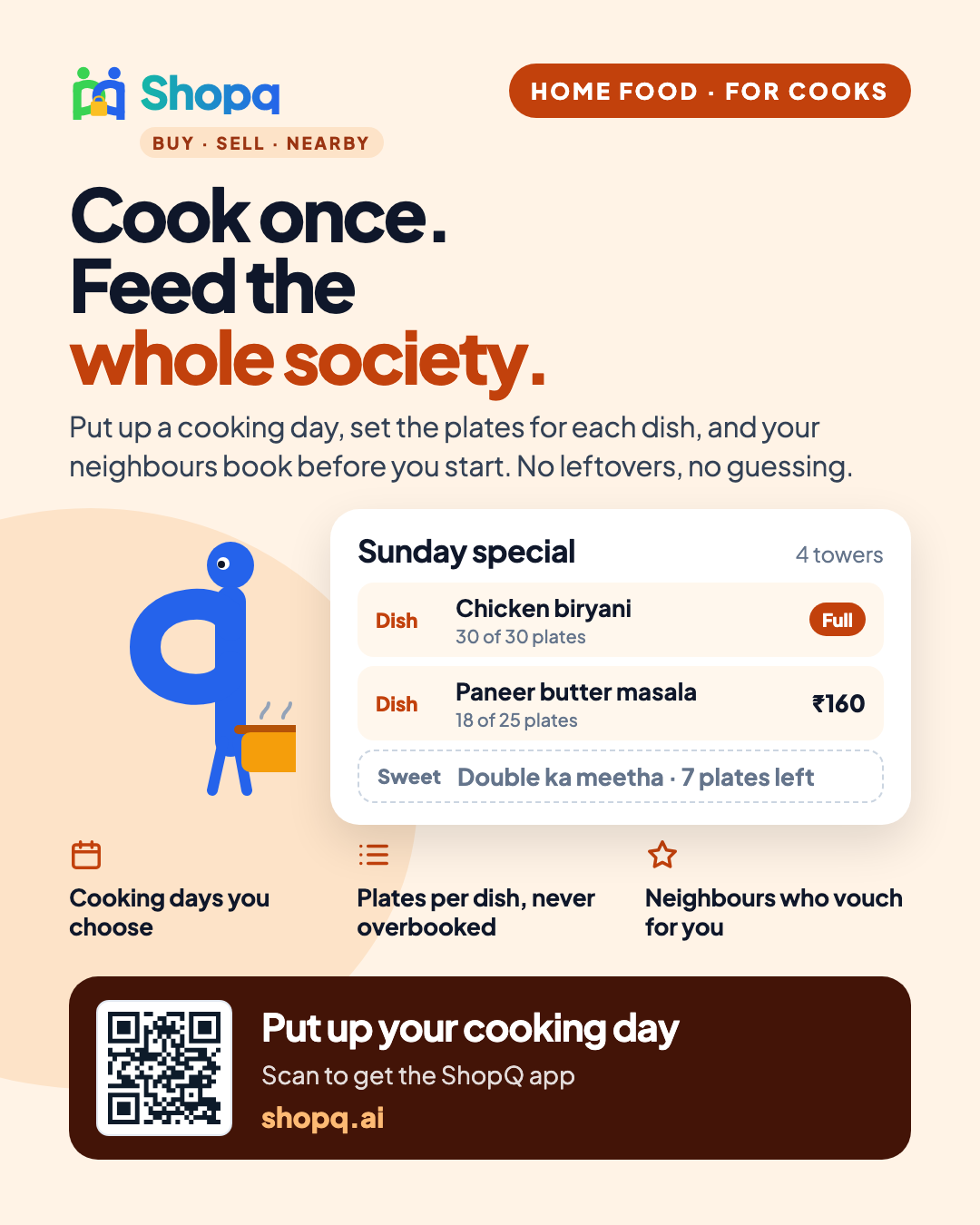
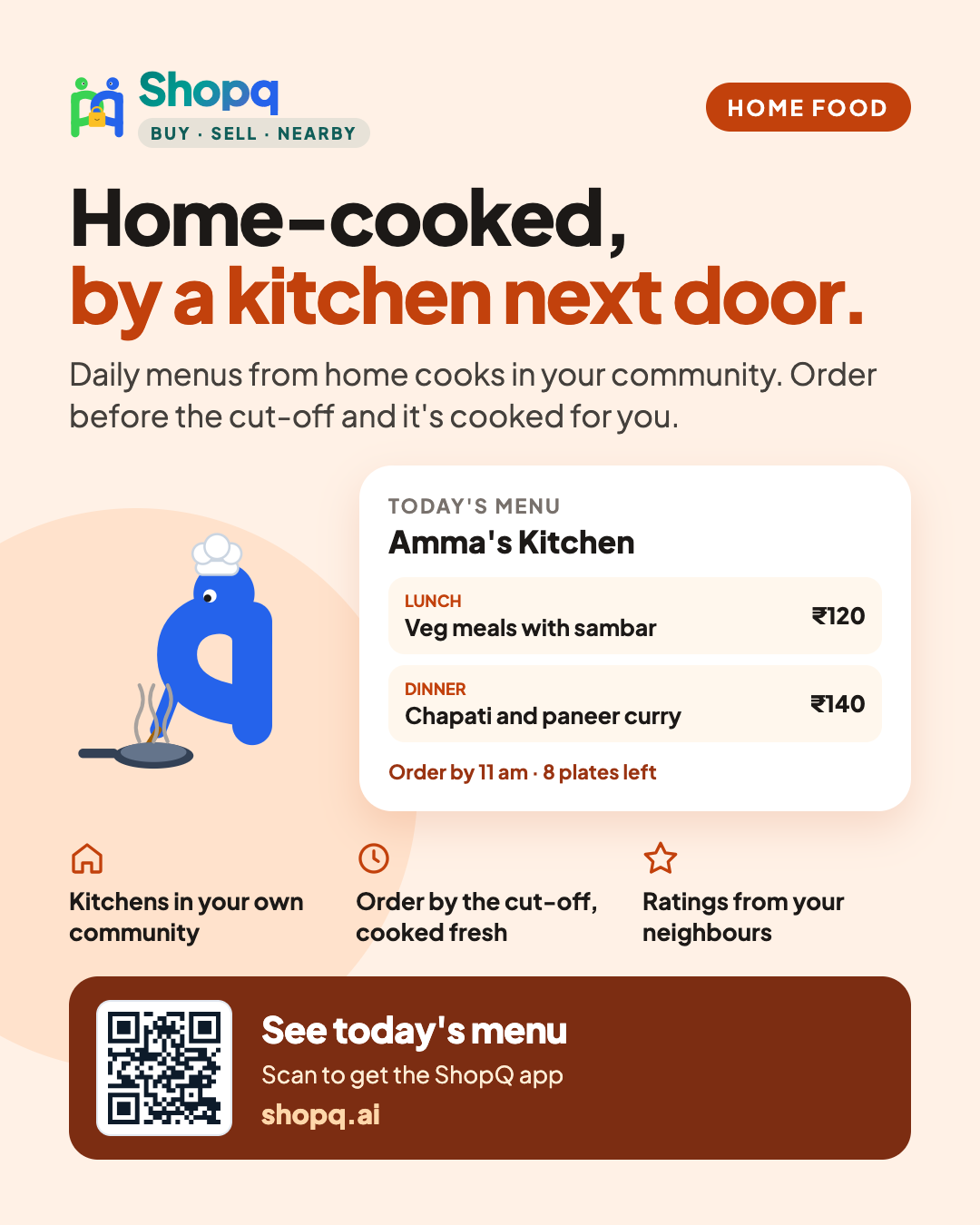
Cook once for the whole society: your kitchen online, cooking days with plates per dish, and neighbours who vouch for you.
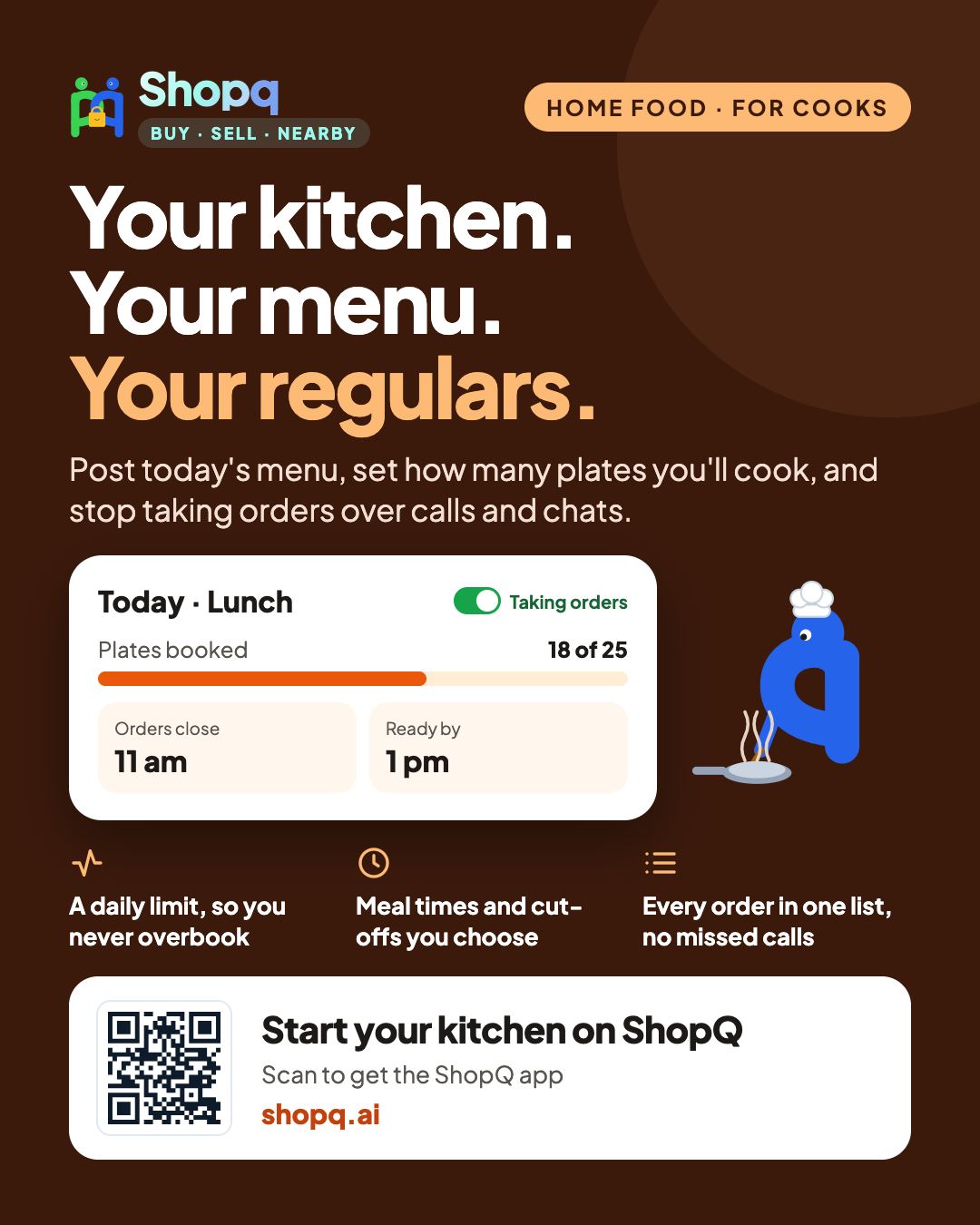
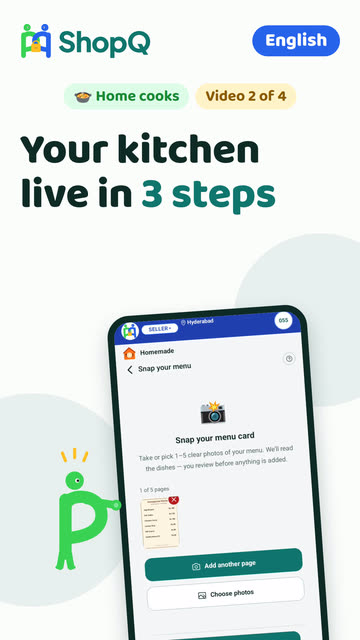
- Create your kitchen and scan your menu card.
- Open a cooking day: the day, the communities, the plates of each dish.
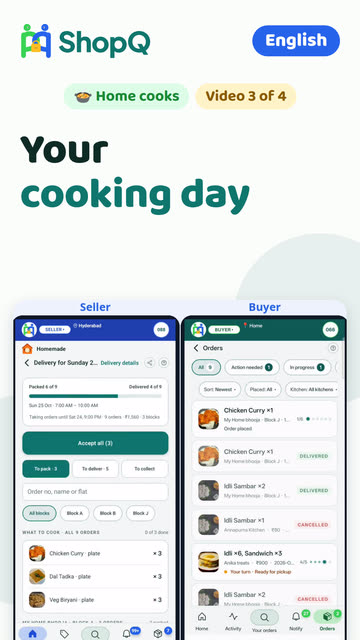
- Share it to your society group. Orders come with the flat number.
- Cook to the totals, pack per flat, deliver, get paid directly.
- Add your FSSAI registration so buyers trust your kitchen.
Onboarding kit
Videos
- Why sell on ShopQYour kitchen gets its own page and link, you set how many plates you can make, and buyers pay you directly.
- Get live in 3 stepsCreate your kitchen, snap your menu card so ShopQ reads every dish and price, and open a cooking day for your community.Read the steps
- Your cooking day, start to finishShare your day, accept all orders, cook to the totals, send out, and close each order at the door with the buyer’s code.Read the steps
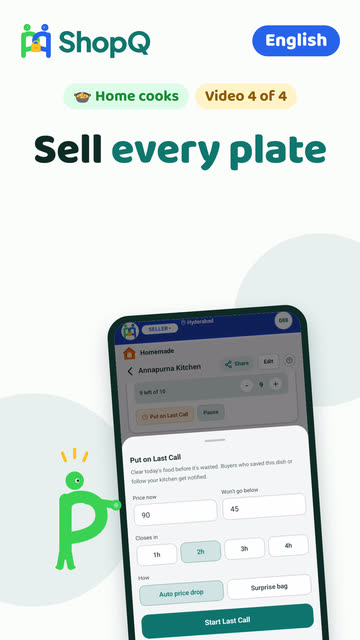
- Sell every platePause orders when you need to, set the plates for each dish, put leftovers on Last Call, add your FSSAI, and set your delivery fee.Read the steps
Guides
- Create your kitchenName your kitchen, add a photo, then photograph your menu card. ShopQ reads every dish and its price.
- Open a cooking dayPick the day, the communities and when orders close; choose the dishes and plates of each. A sold-out dish stops by itself.
- Earn trust: FSSAI and identityAdd your FSSAI registration (even the basic one counts) and verify your identity once. A trusted kitchen fills its plates first.
Still stuck? Three ways out
- Do it yourselfEvery guide here has the steps, and a video where one is recorded.
- Ask a ShopQ partnerA partner near you can set it up with you, from their own phone.
- Reach ShopQFor your identity check, payments, or anything unsafe, write to us directly.WhatsAppsupport@shopq.aiContact us